
Photo Recipes Kit
Fujifilm-style photos.
On your iPhone.
No camera required.
A pack of named colour recipes, the exact camera settings behind each one, and the LUTs to match — so your phone shots read like film.
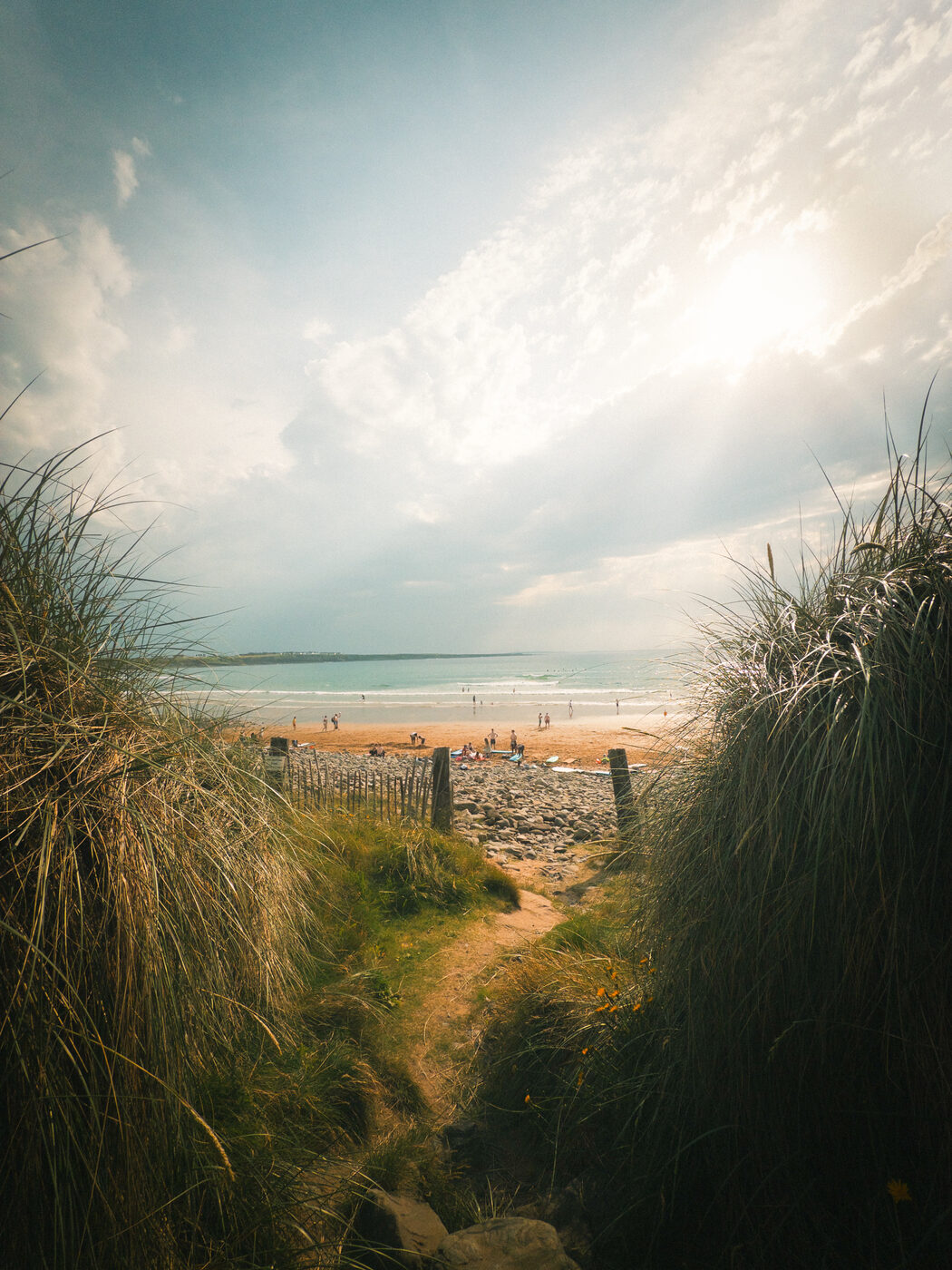
The look
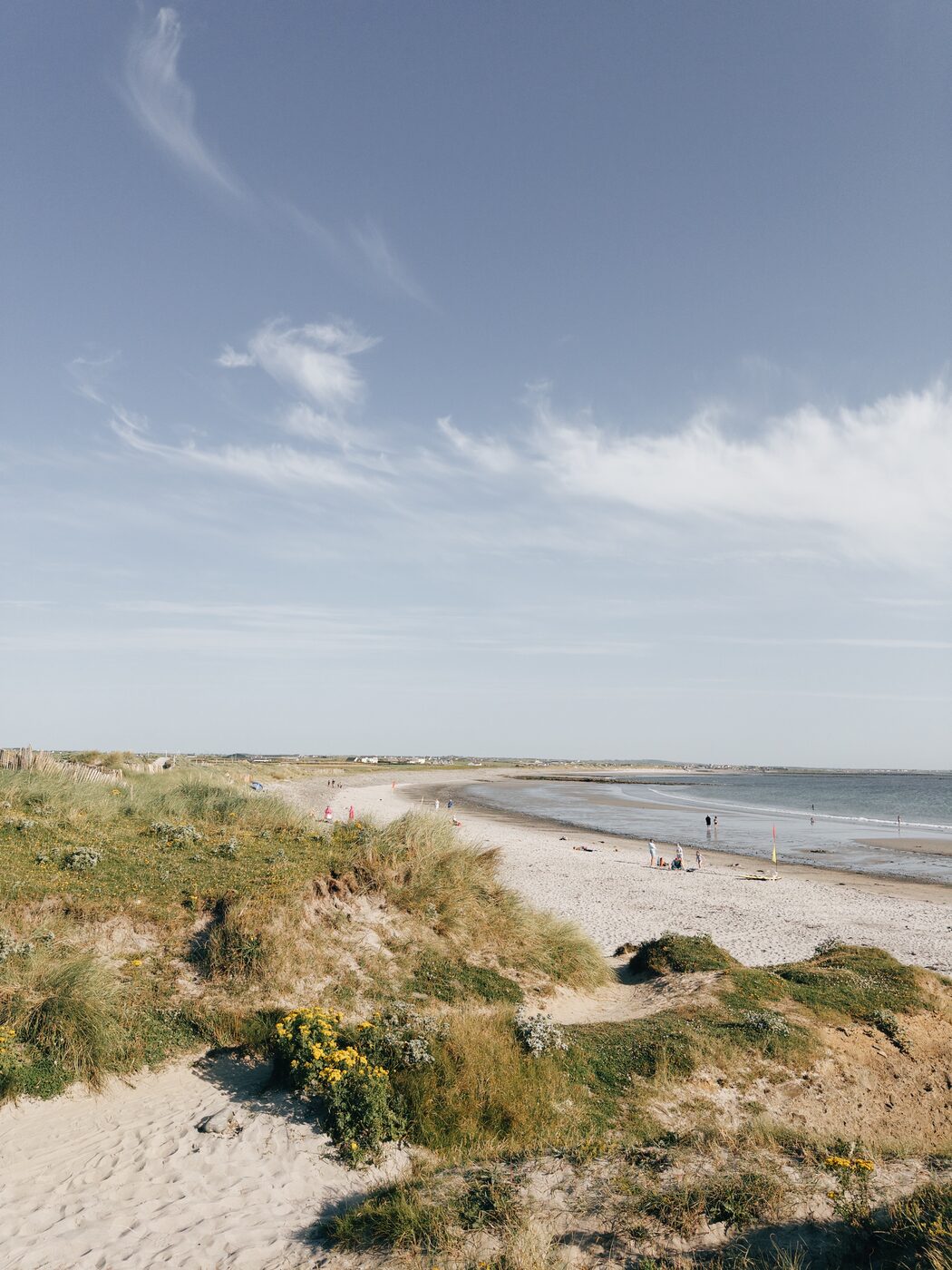
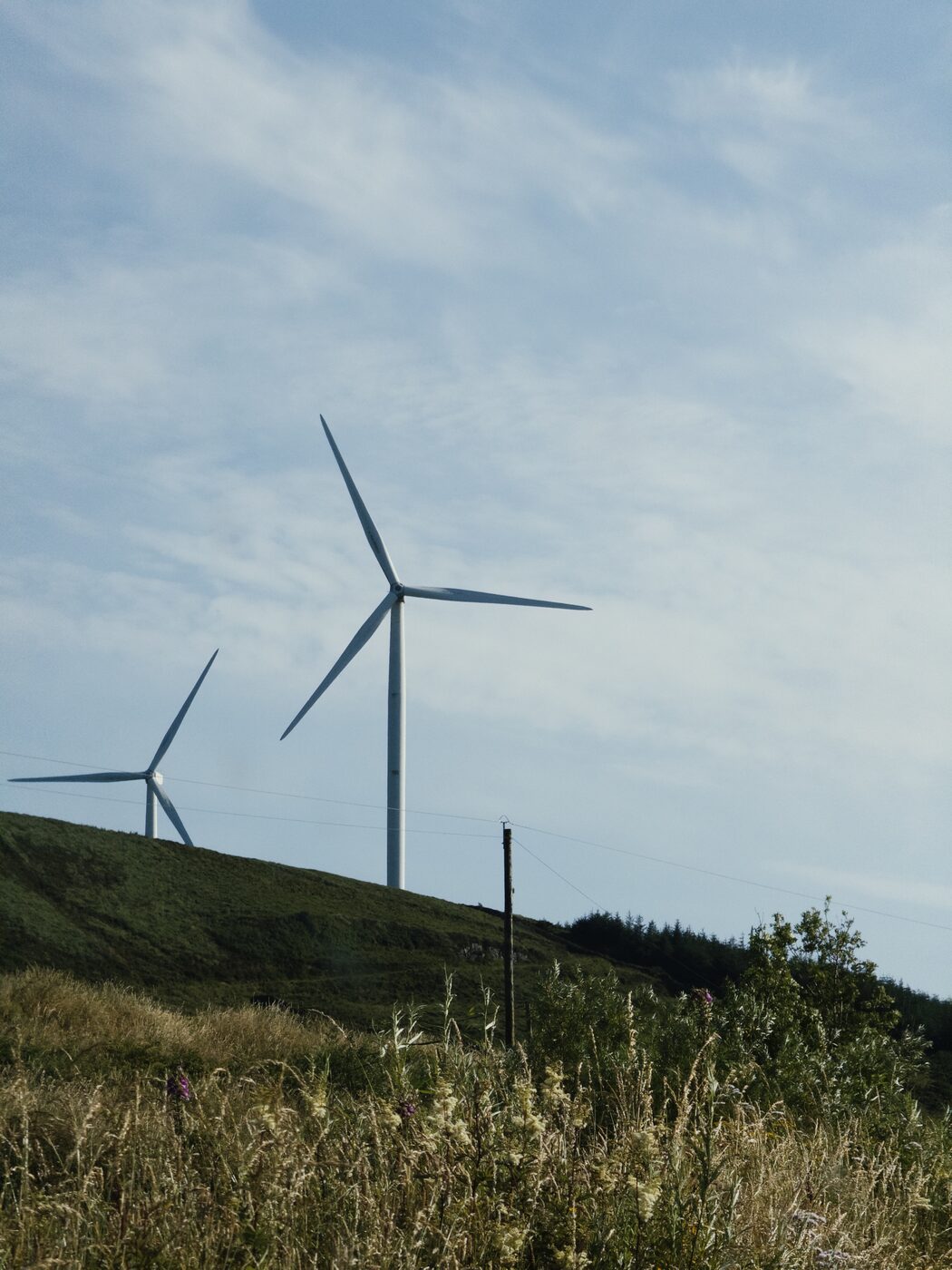
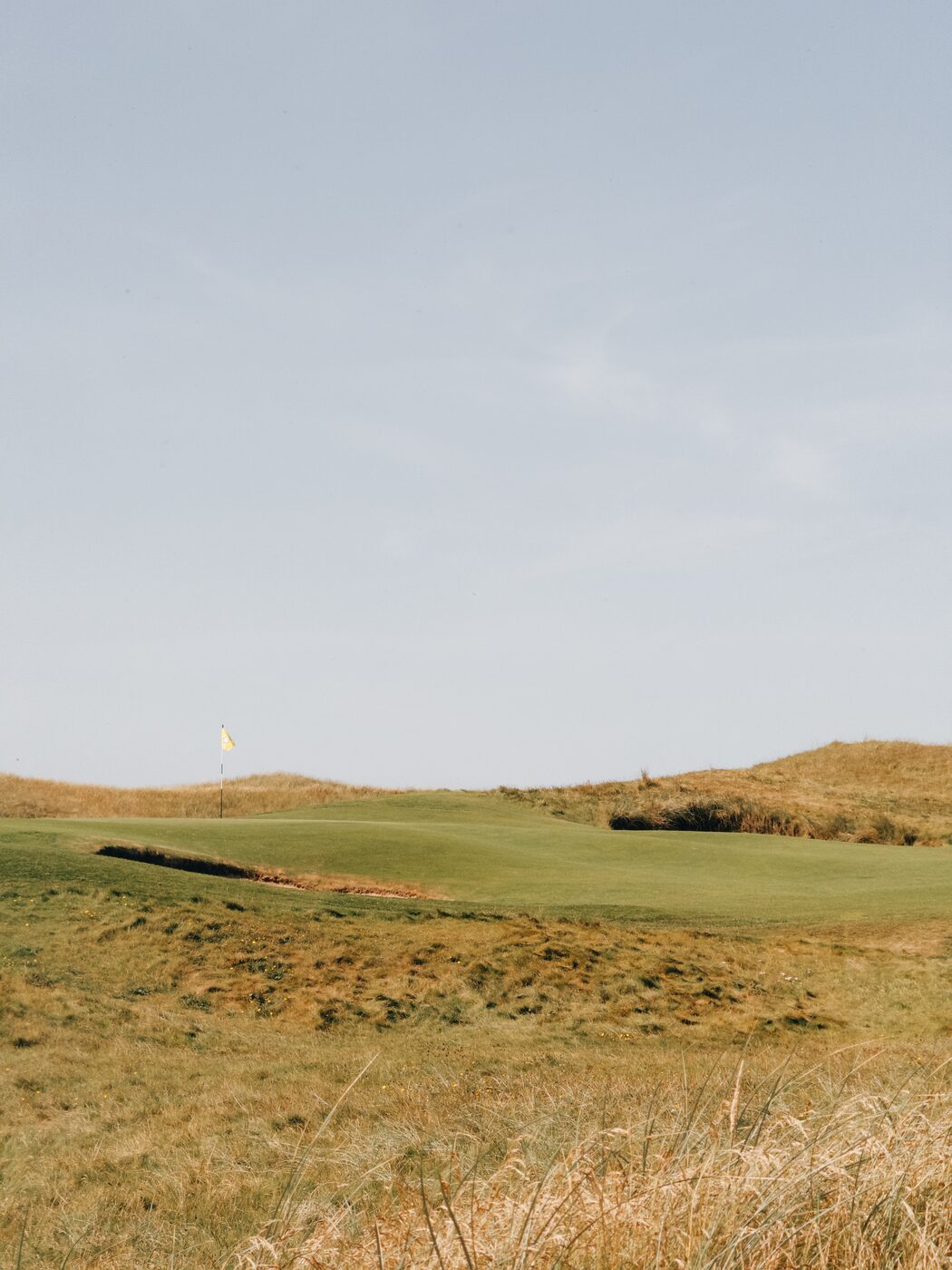
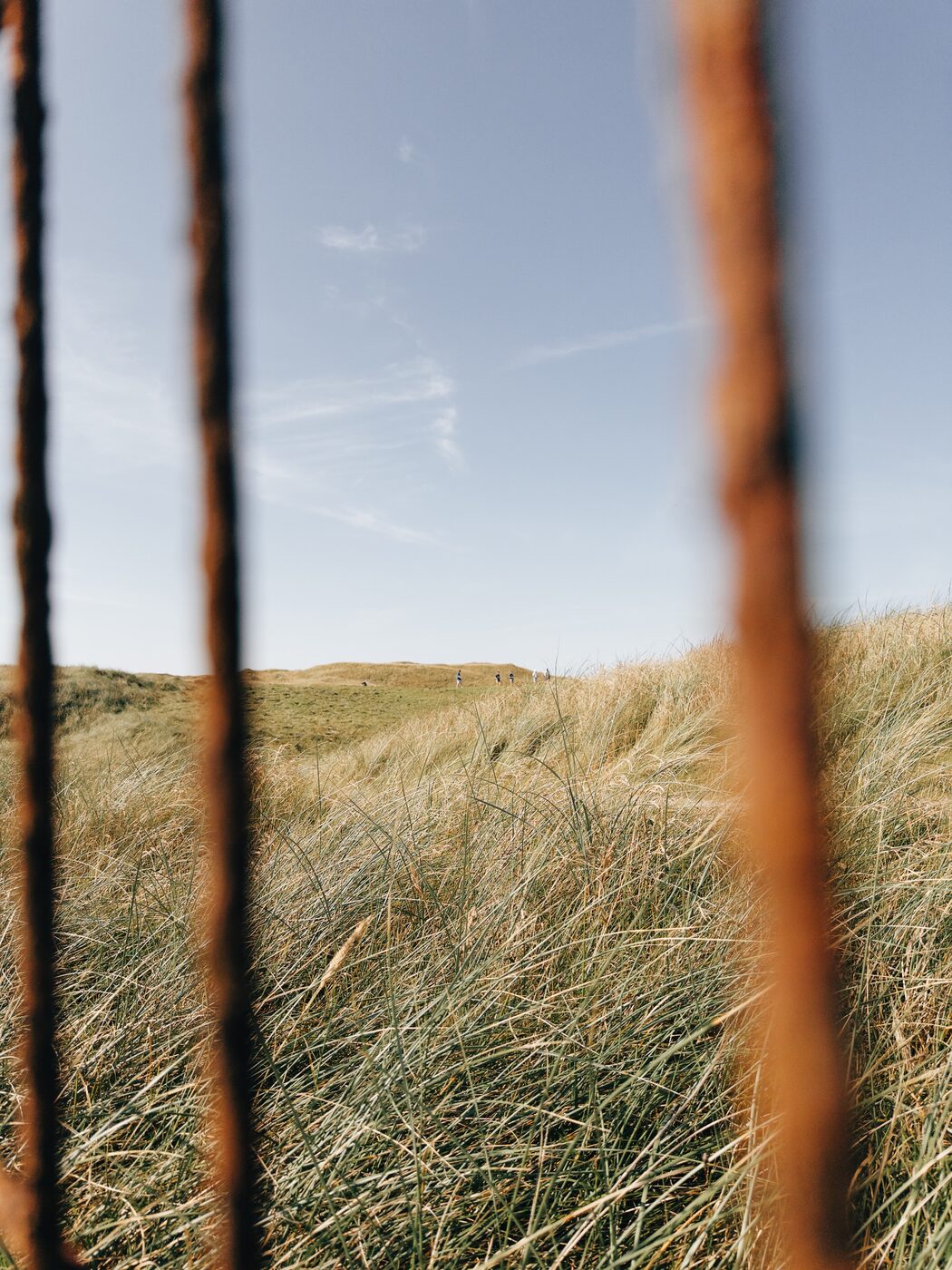
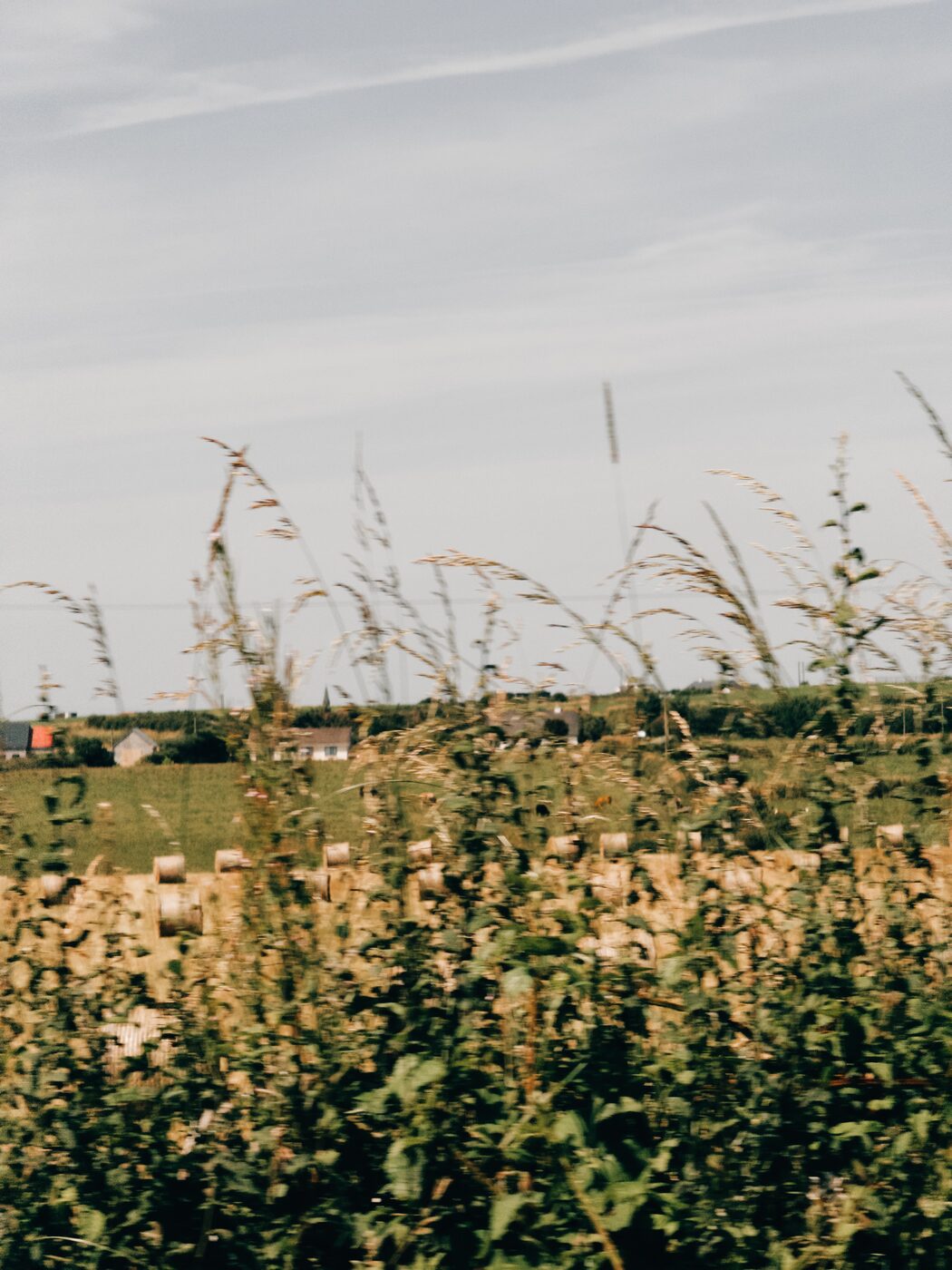
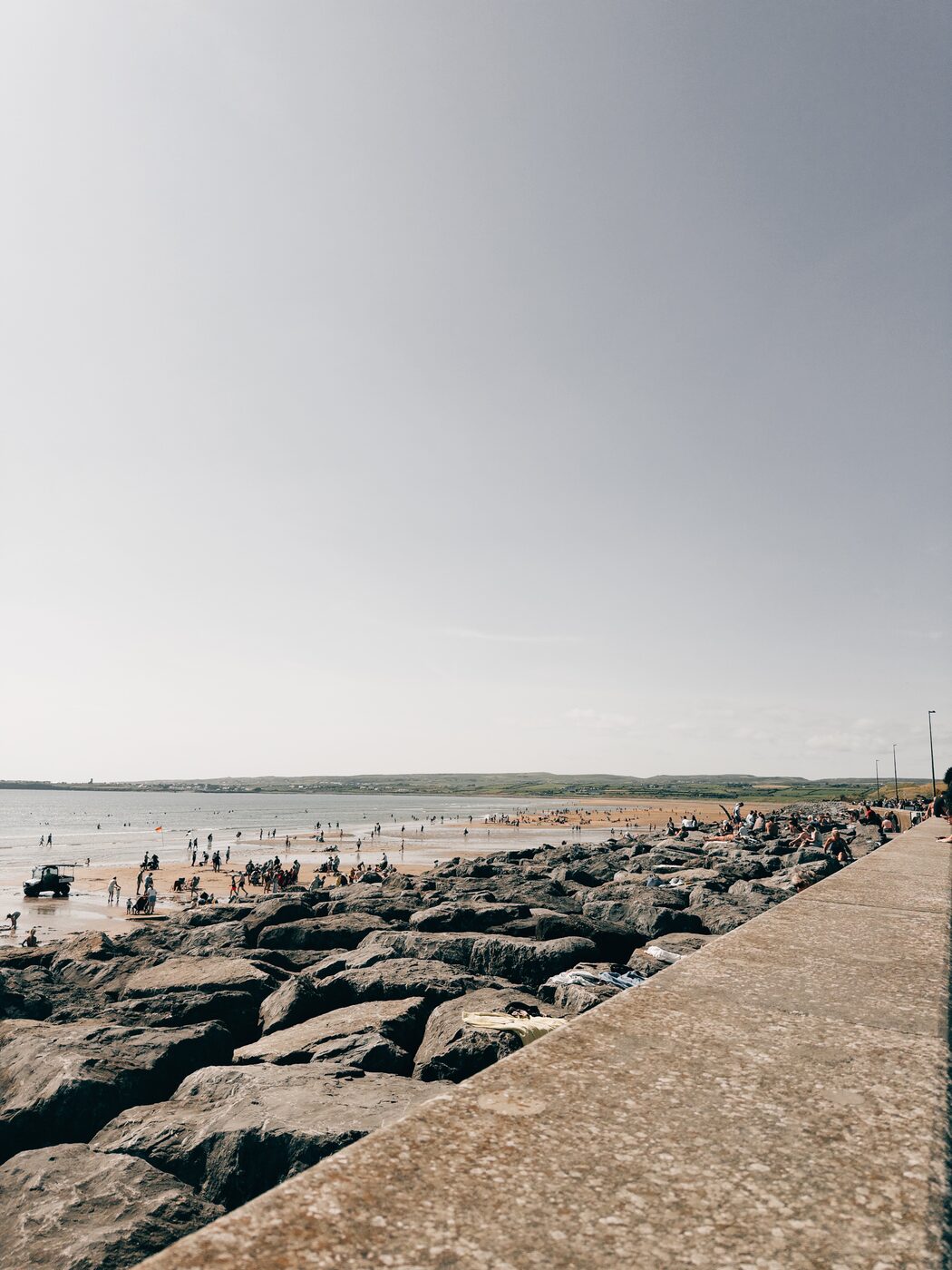
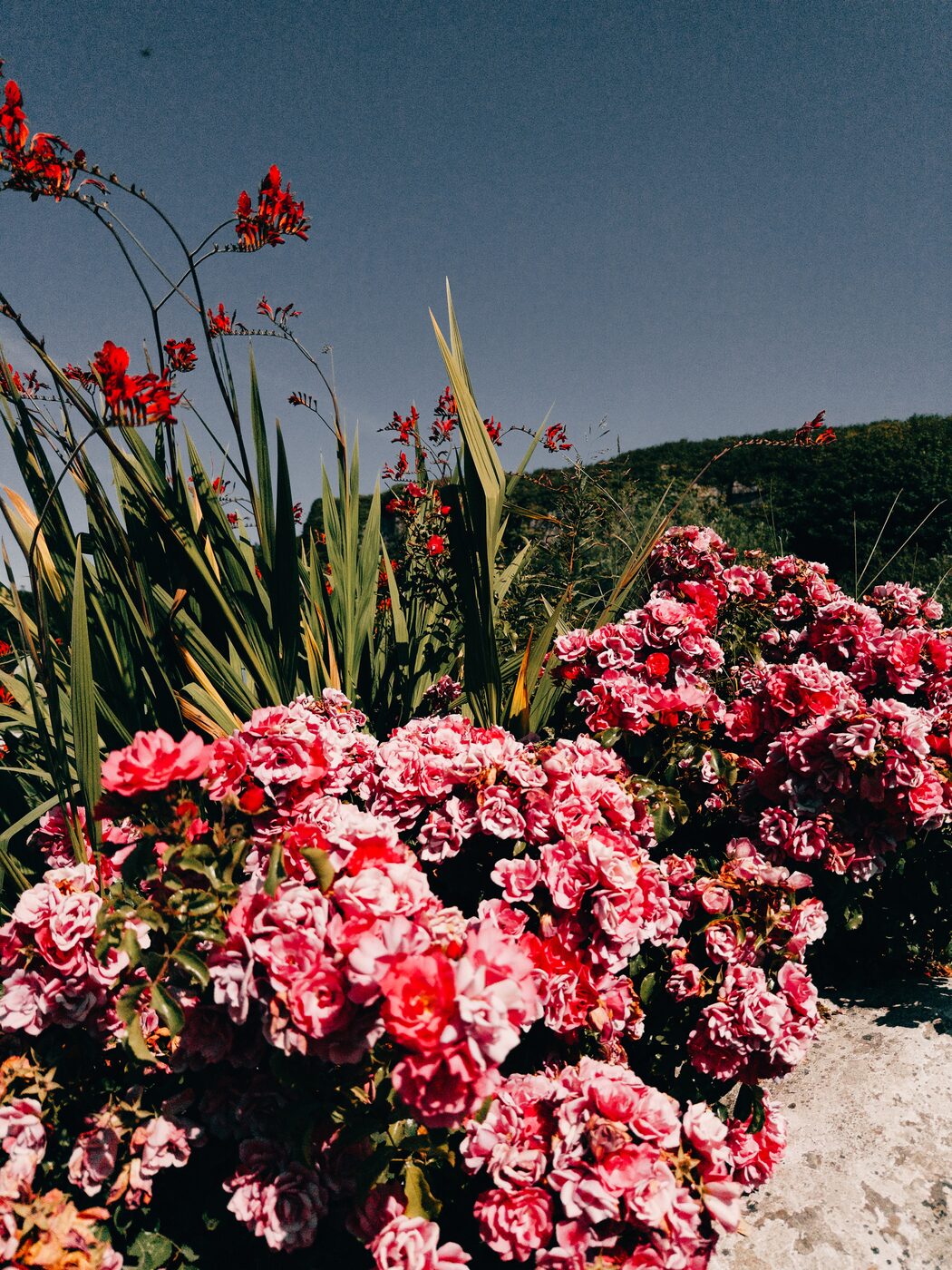
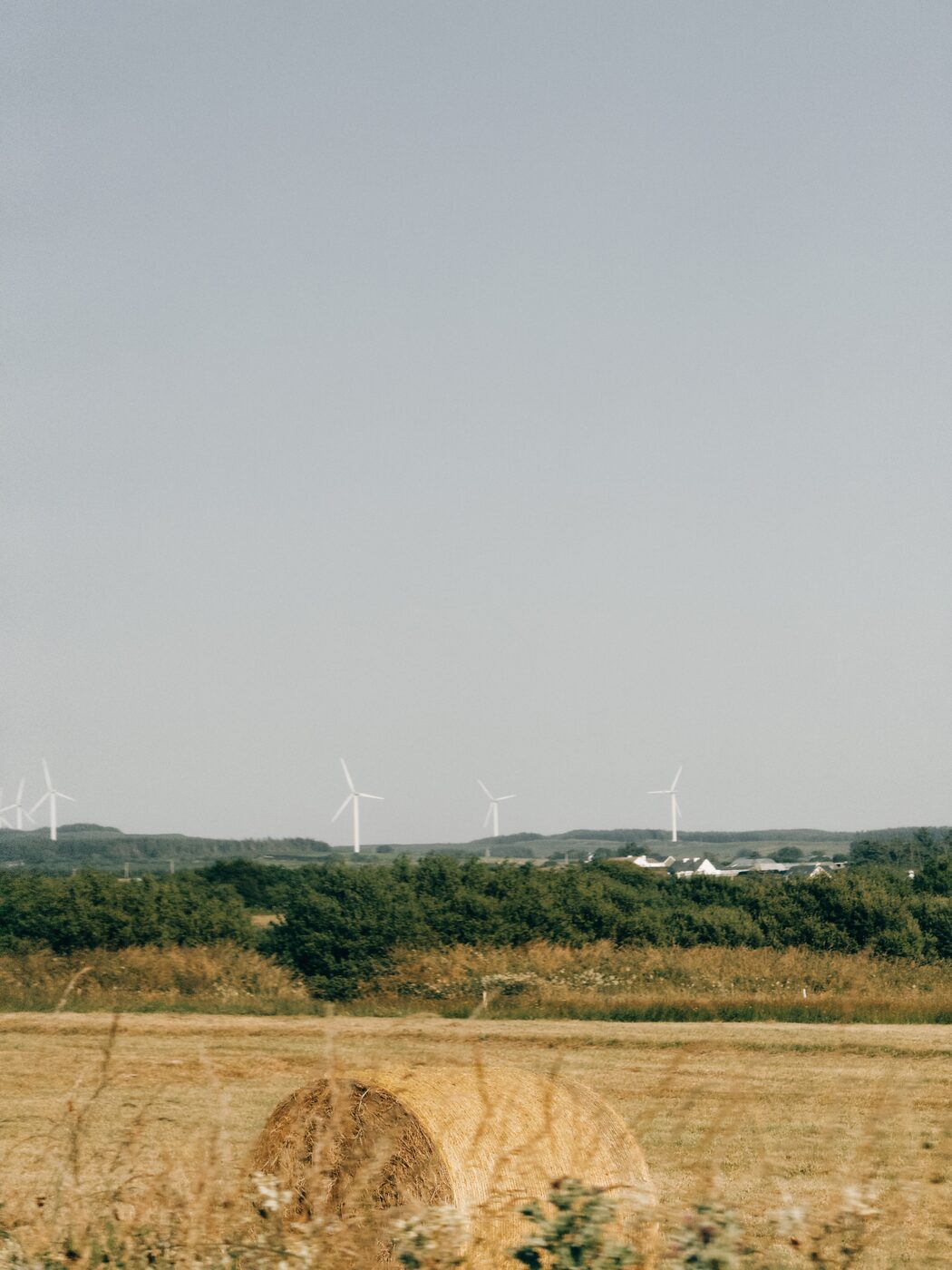
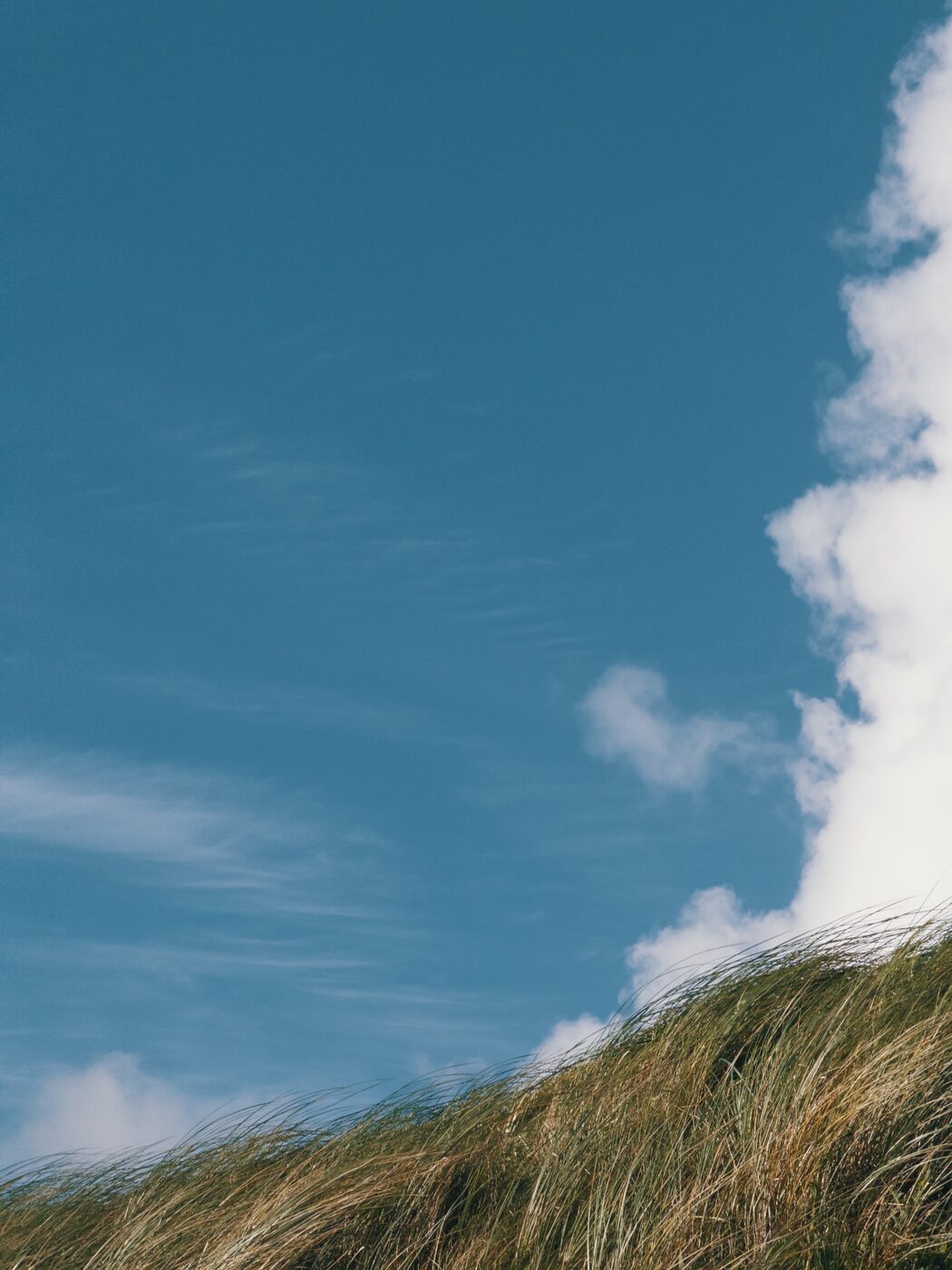
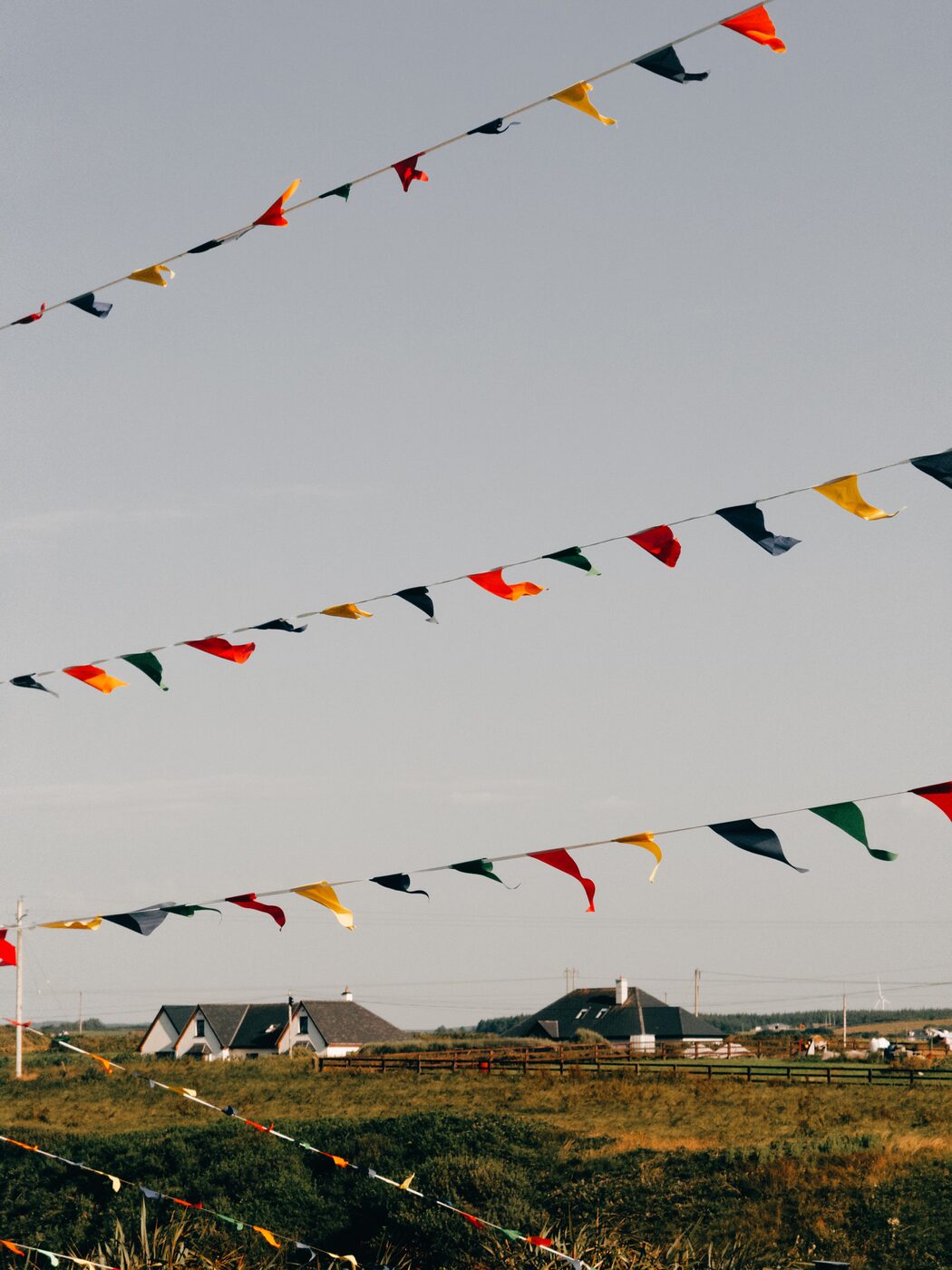
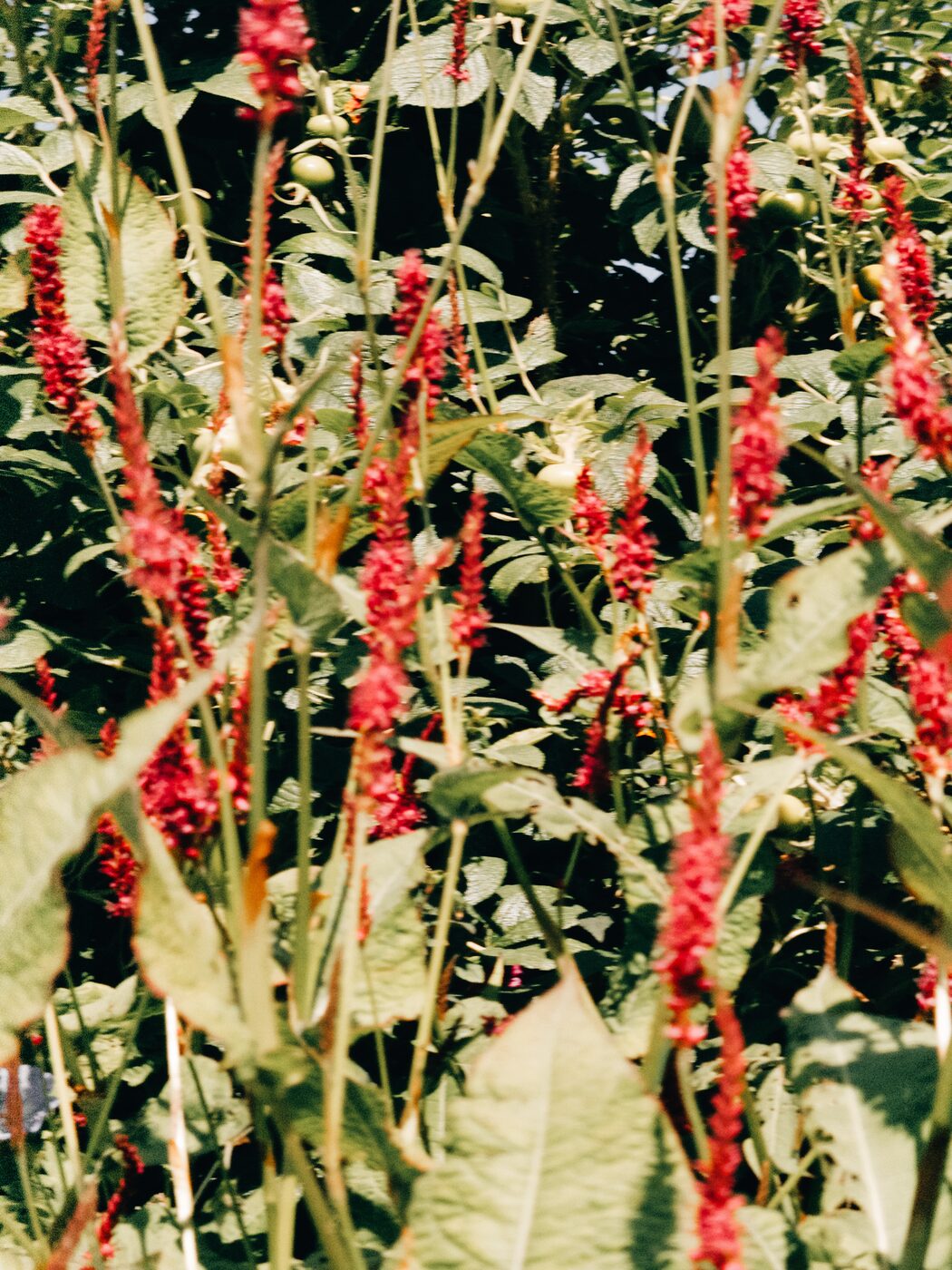
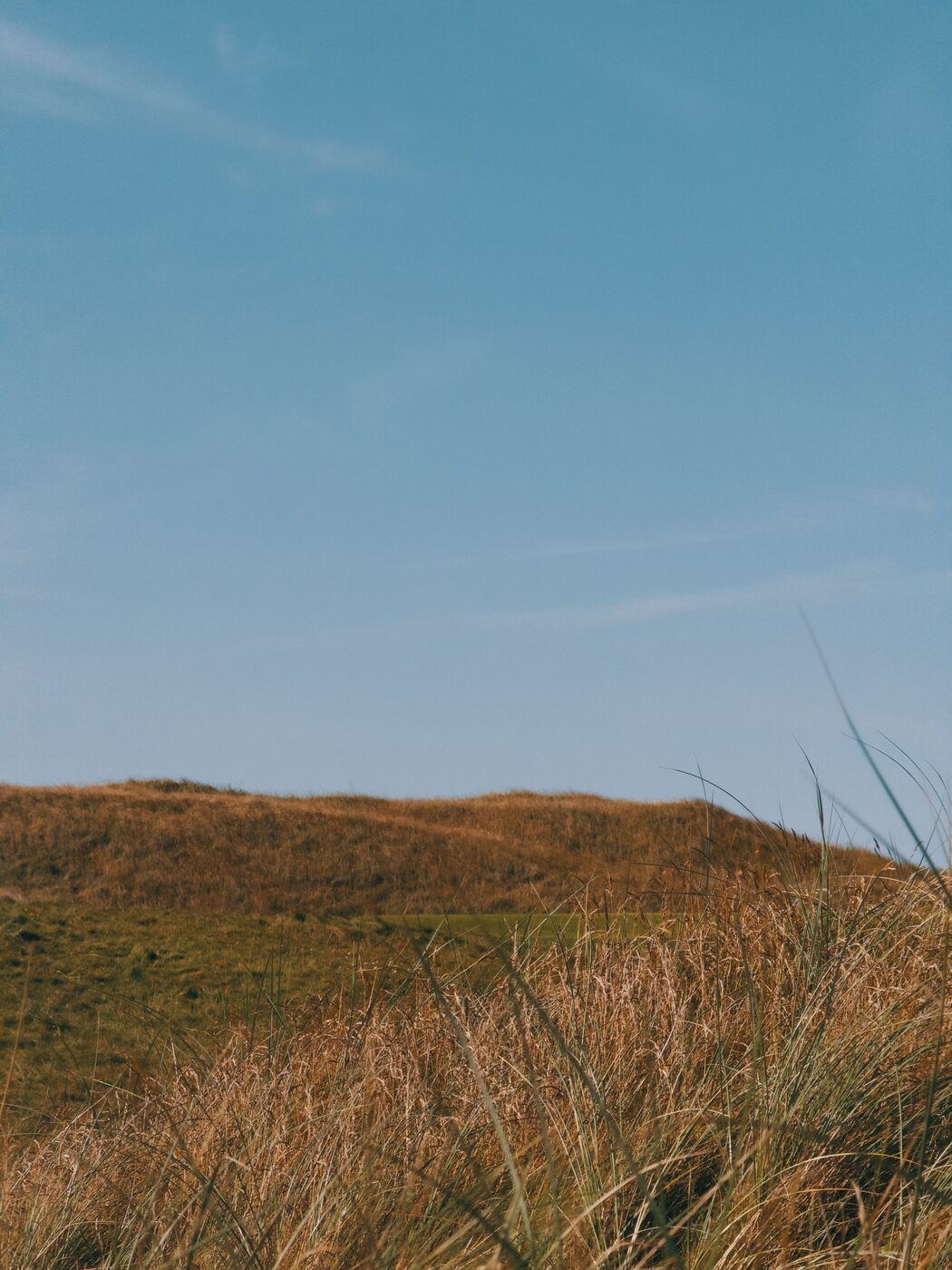
Shot on iPhone. Straight out of the kit.
Real frames — no camera, no desktop. This is the grade the recipes give you.
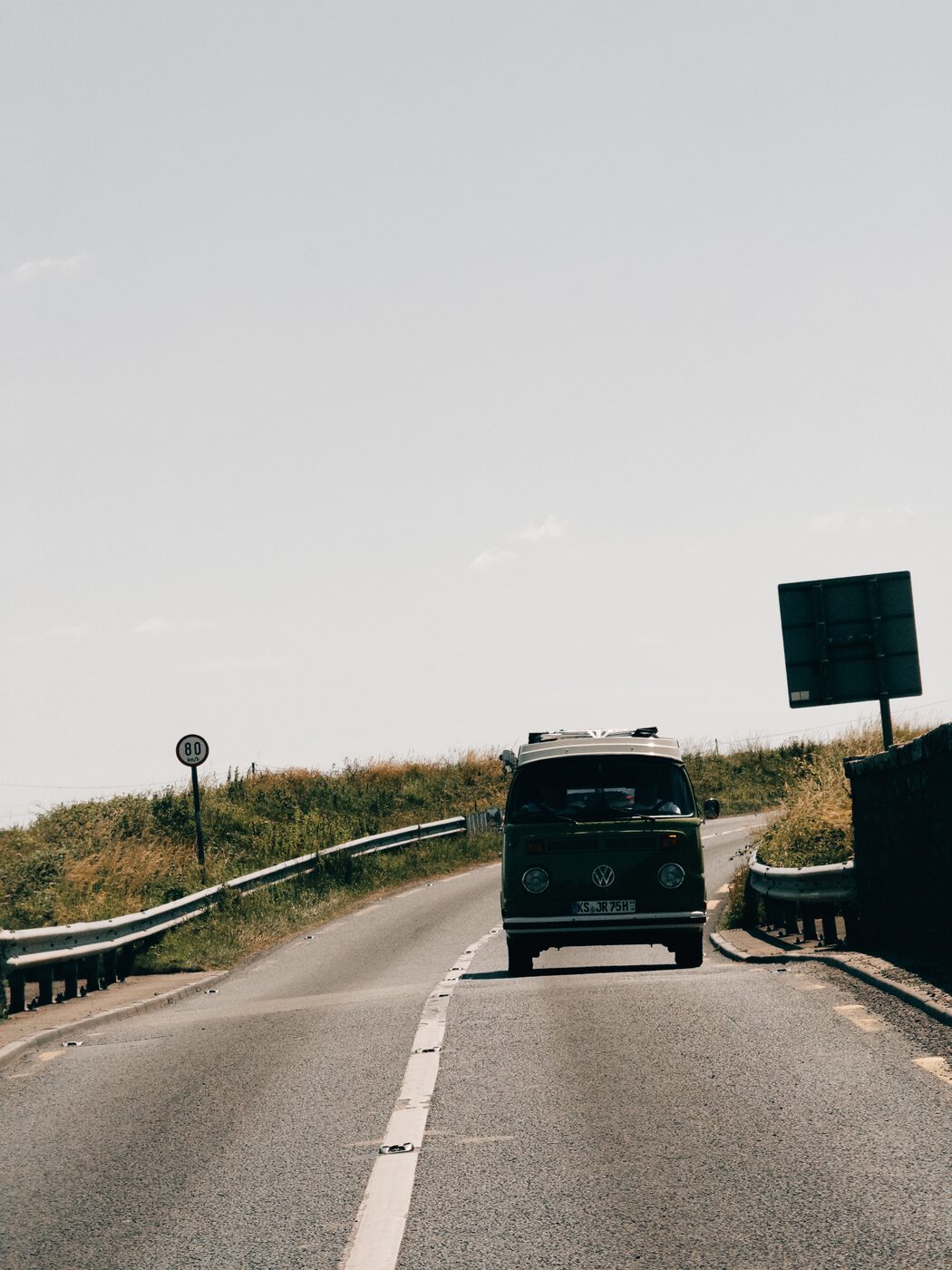
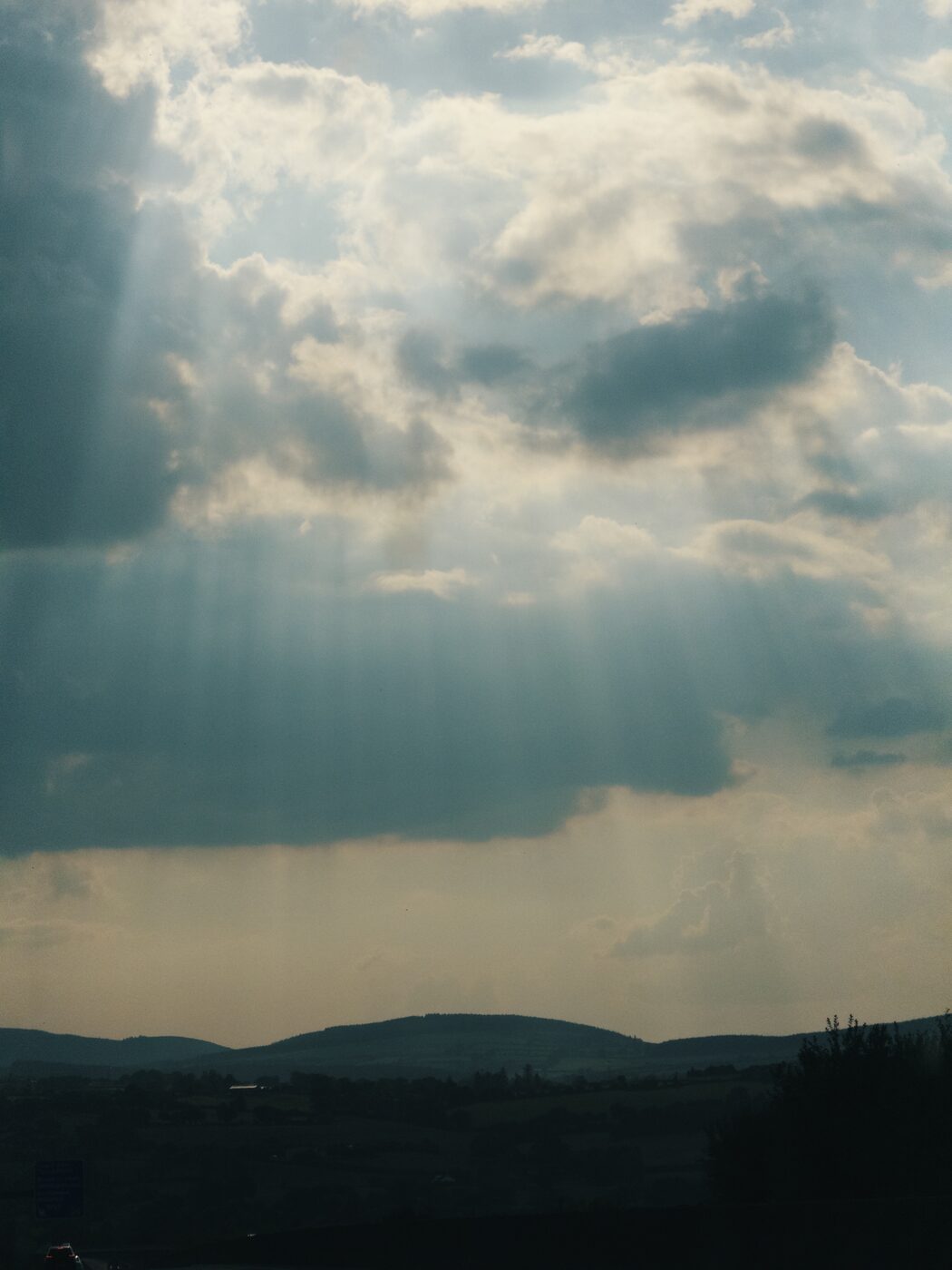
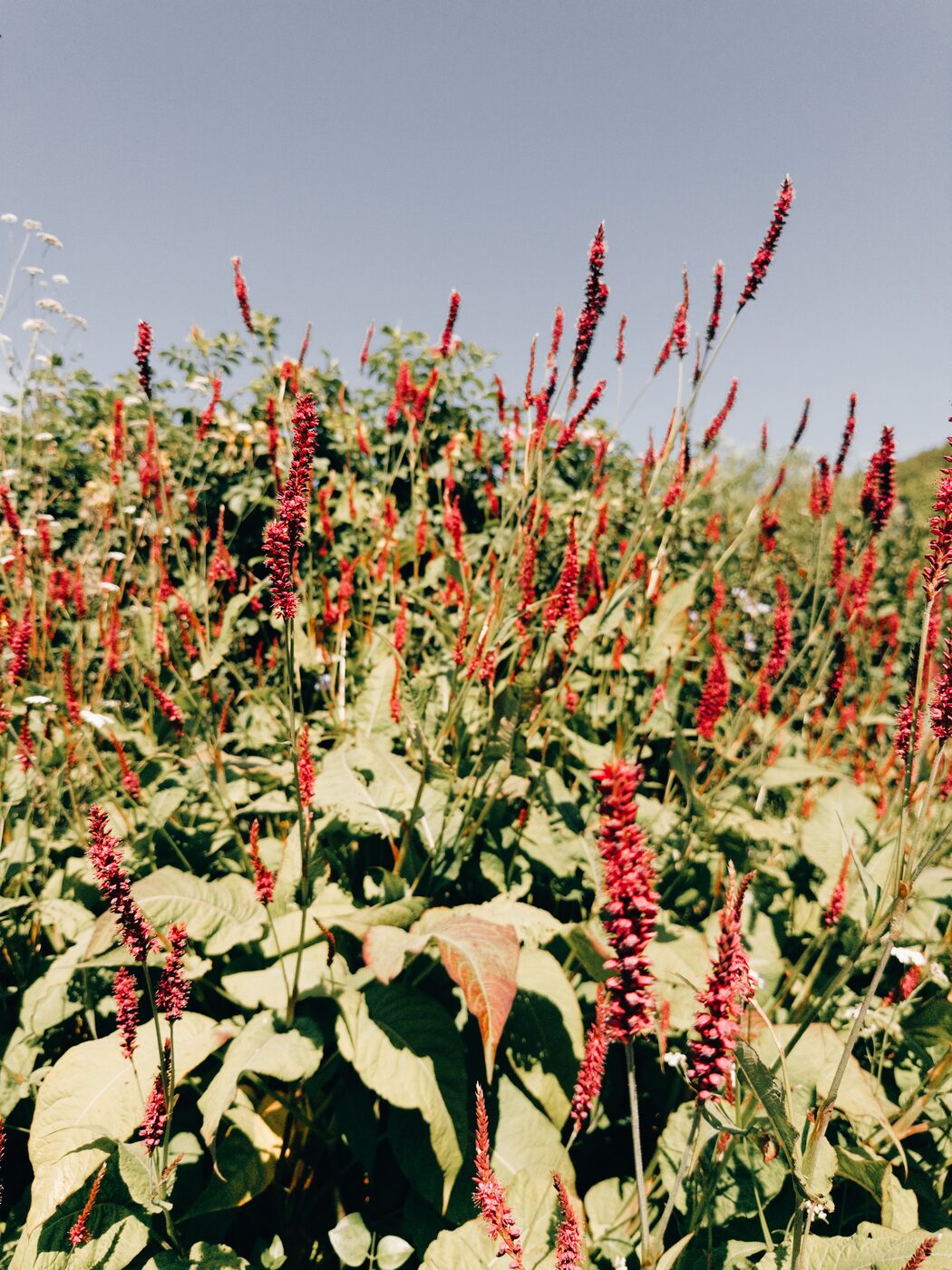
In the kit
Six named recipes.
What you get
Everything to shoot the look, not just a filter.
How it works
Three steps. Shoot, apply, done.
01
Shoot with the settings.
Open a manual camera app, set RAW (DNG), lock white balance and dial in the recipe's ISO / shutter.
02
Apply the recipe LUT.
Load the recipe as a live preview LUT while shooting, or apply it later in your editor.
03
Tweak and post.
Fine-tune exposure, keep saturation controlled, export at full quality. Done.
Get the kit
One-time. Instant. Yours forever.
Photo Recipes Kit
Coming soon- ✓Photo LUT pack (live preview while shooting + editing)
- ✓Manual camera settings guide
- ✓6 named recipes with per-scene settings
- ✓RAW (DNG) capture workflow
- ✓Photo grading rules — exposure, contrast, colour
- ✓Example gallery of the look
This kit is launching soon — check back shortly.
Want the video LUTs too? Save with the Full Bundle.
FAQ
Questions, answered.
A manual camera app that shoots RAW (DNG), plus any editor that accepts LUTs. The guide names the exact apps I use and walks through the full setup — note the camera app is a low-cost, one-time purchase (a few euro), separate from this kit, so budget for that on top.
The recipes are built and tested on iPhone Pro models, but because they rely on RAW (DNG) capture through a manual camera app rather than the native camera, they work on just about any iPhone. Some sensors render colour slightly differently, so treat the settings as a strong starting point.
No. The whole point is Fujifilm-style photos straight from your iPhone — no camera, no desktop required. Everything can be done on the phone.
These are tuned for photo. The video LUTs and the ProRes shooting workflow live in the Cinematic iPhone Pack — or grab both in the Full Bundle for the best price.
After purchase you get instant access to a download page with the LUTs, the settings guide (PDF), and the recipe reference. Downloads are available immediately after payment.
Shoot photos people ask what camera you used.
Launching soon — check back shortly.
What you'll need
A manual camera app that shoots RAW (DNG) and any LUT-friendly editor. The camera app is a low-cost, one-time purchase (a few euro) — separate from this kit. The guide names the exact apps and how to set them up.